
ABA data collection that disappears into your session.
DashTrial is the session-to-report platform for BCBAs, RBTs, and clinic teams. Simple enough to run during a session, rigorous enough to defend in supervision.
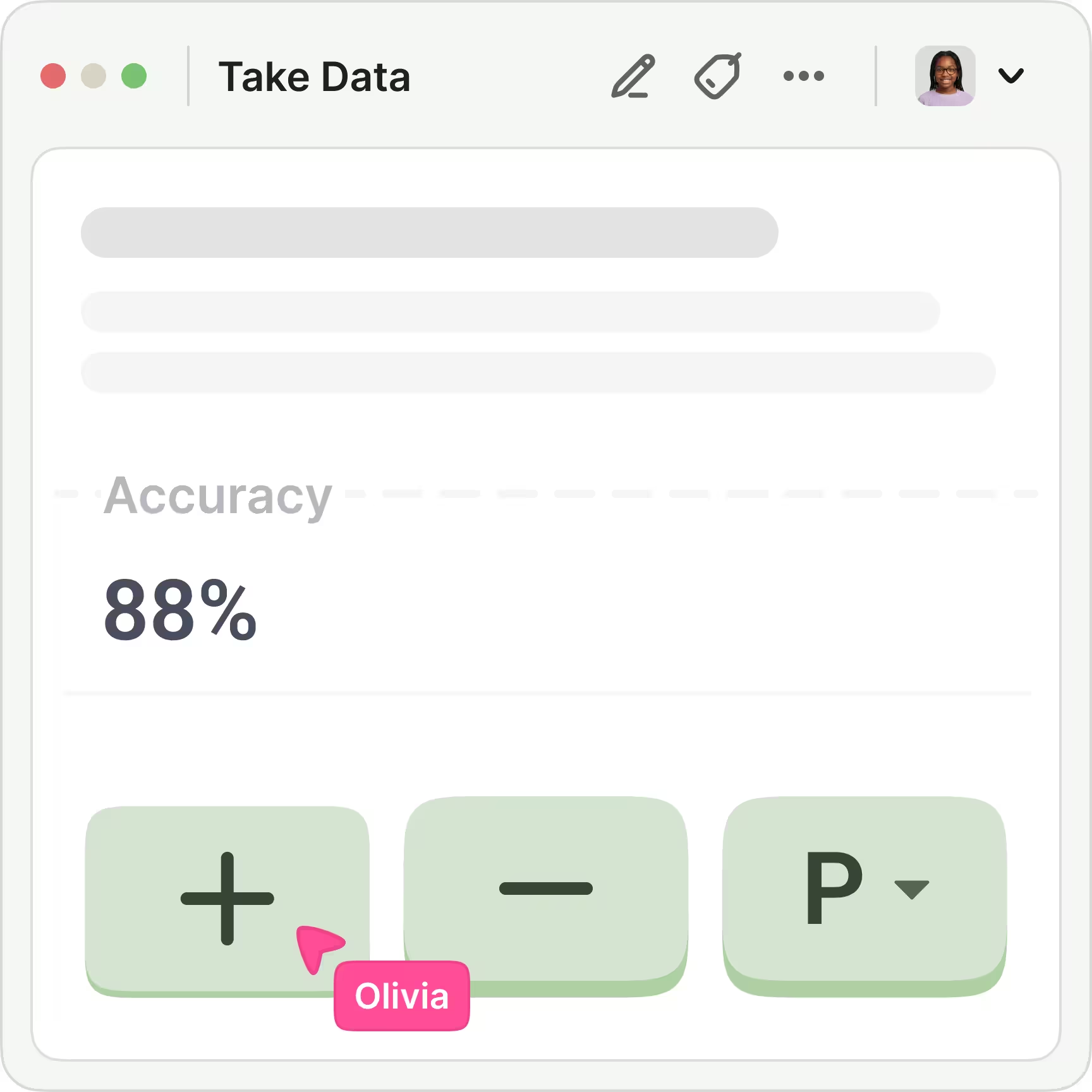
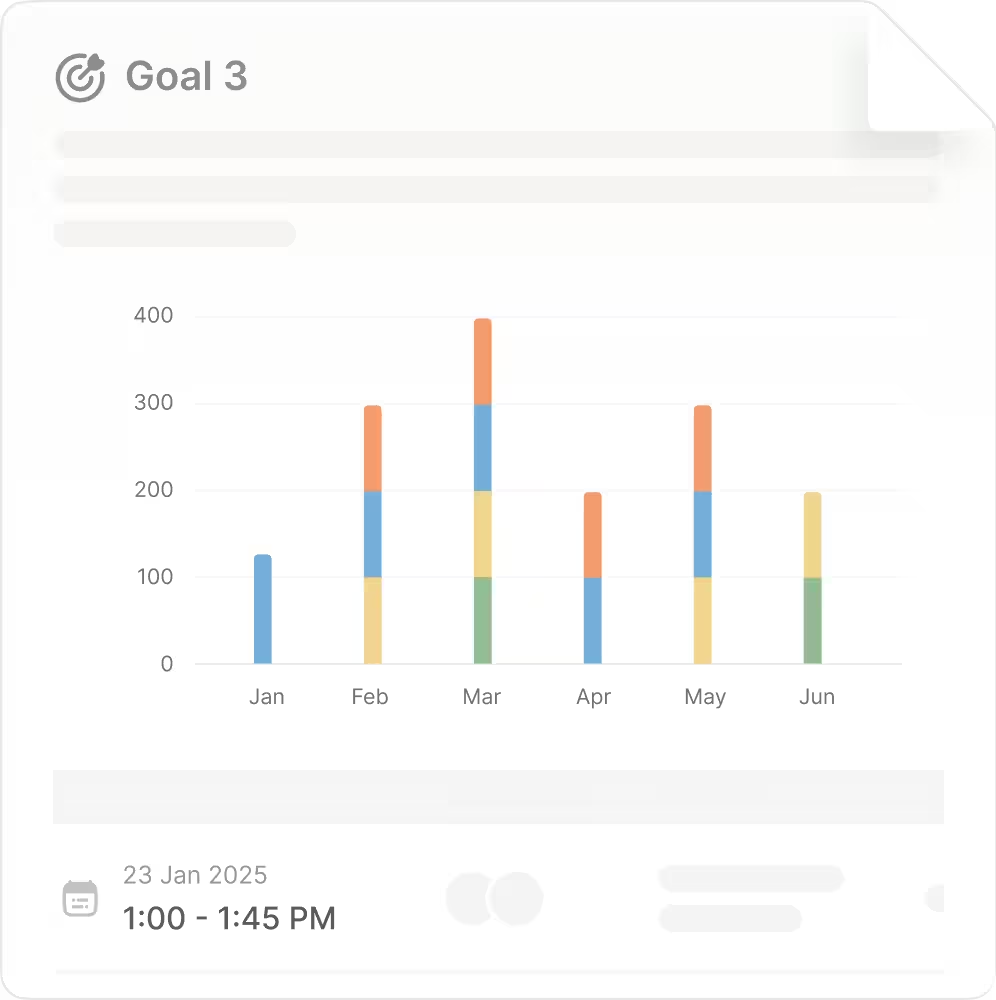
Powerful ABA data analysis tools, without the spreadsheet archaeology.
Every session feeds real-time graphs, stacked phase-change lines, and ABC visualizations. No exports, no manual formatting.
- Auto-generated session notes built from the data your team already collected.
- 20+ automatic graphs — trend lines, phase changes, celeration.
- Complete audit trail across every touch, every revision.
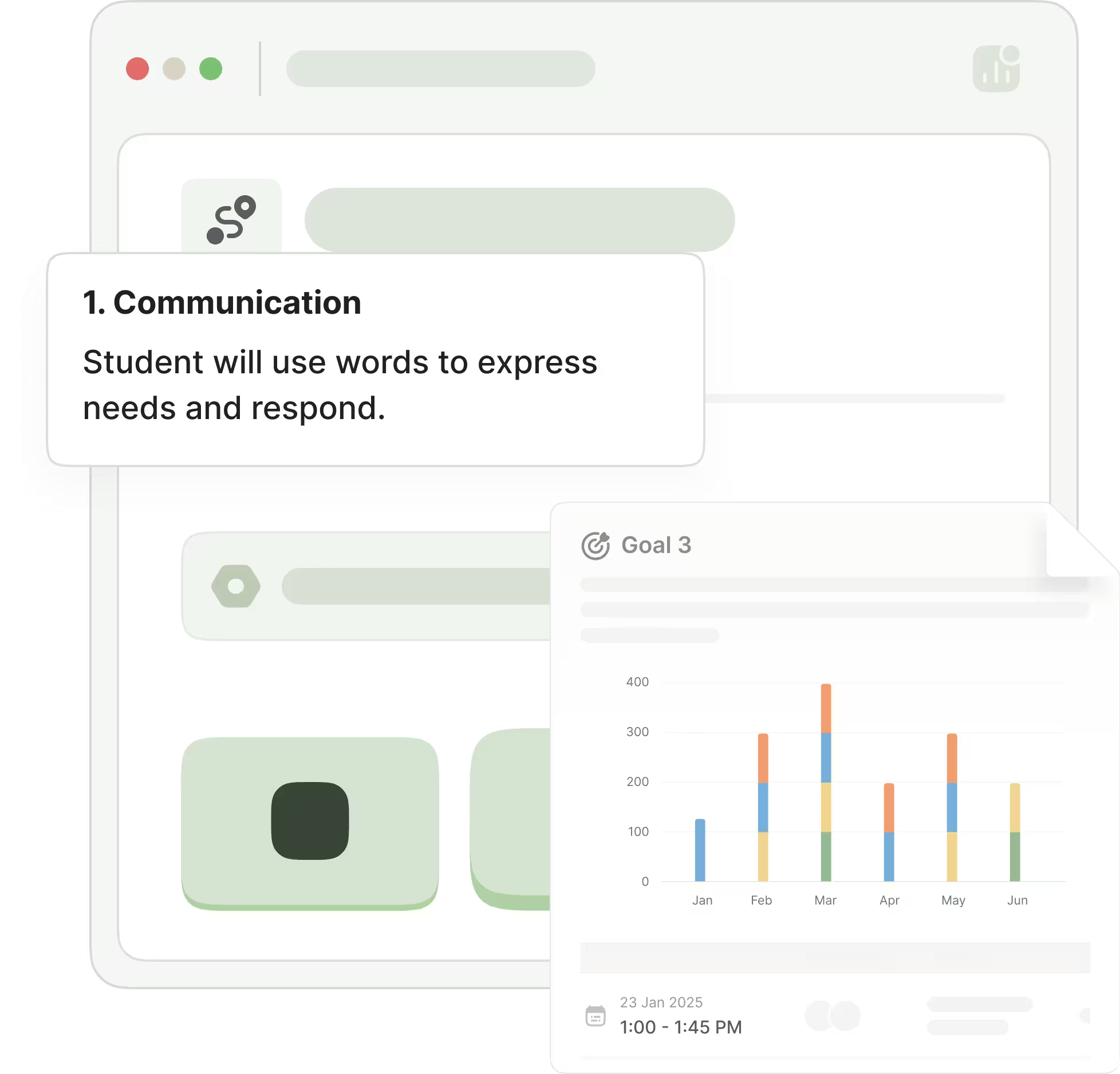
Reauthorization, without rebuilding the data.
Pull mastery, trends and outcomes across every program into one report, built from the session data your team already collected.
- Program and target progress with the graphs already attached.
- Your own report templates, matching the format your payer expects.
- Any date range across a learner's full history.
Ten ABA behavior data types, one unbroken flow.
Powerful tools designed for ABA workflows. Providers record progress with accuracy and speed — then jump straight to the next target.
Tact · common objects
Prompt level tracked per trial, session totals roll up automatically.
Peer initiations
Tap once per occurrence. No lag, no lost trials during overlap.
On-task behavior
Start / stop timer resumes on the next session without re-entry.
- Task analysis
- Custom prompt
- Rate
- Partial interval
- Whole interval
- Custom
- Anecdotal
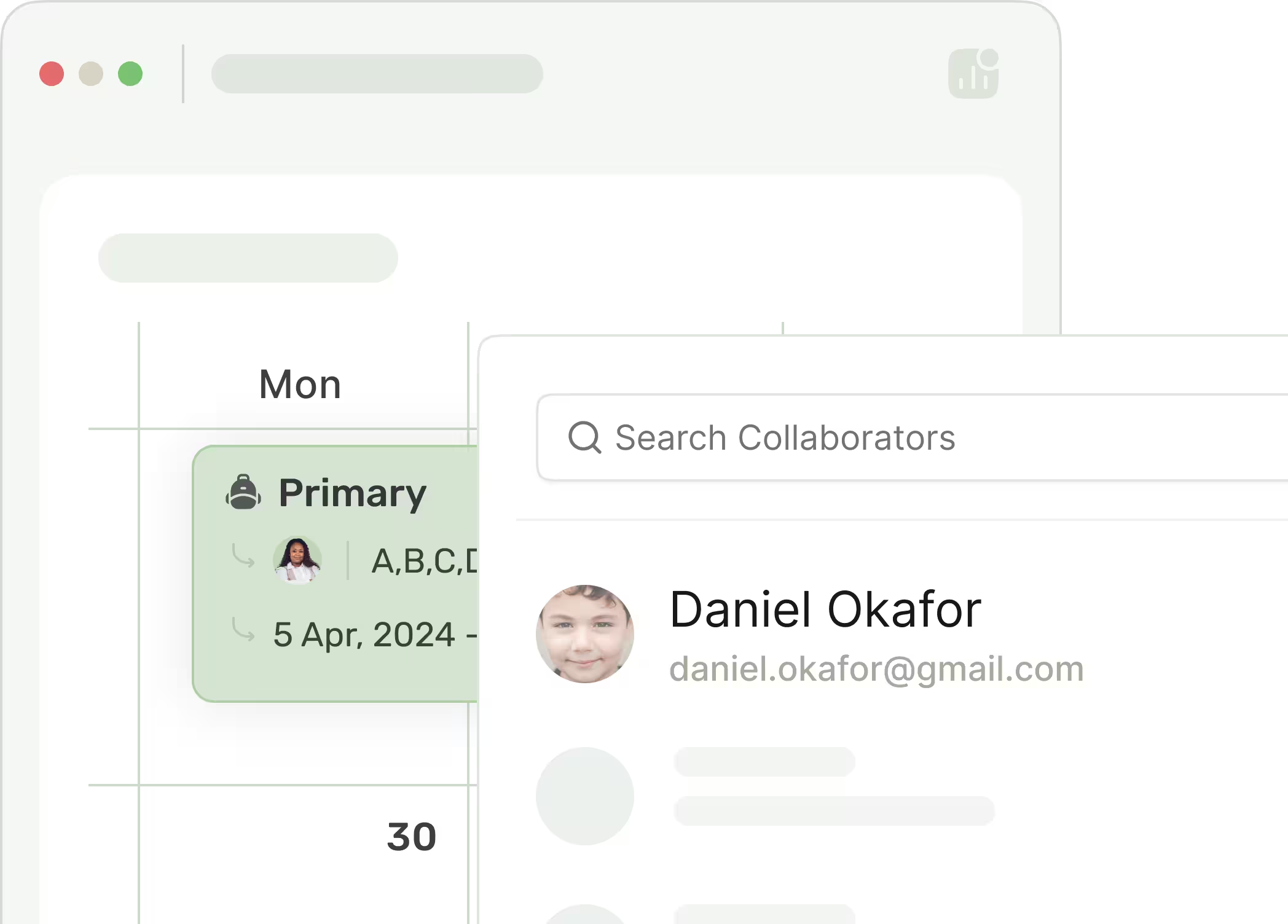
Multi-provider BCBA & RBT collaboration
Role-based access ensures providers and supervisors stay coordinated across every session, without sharing logins.
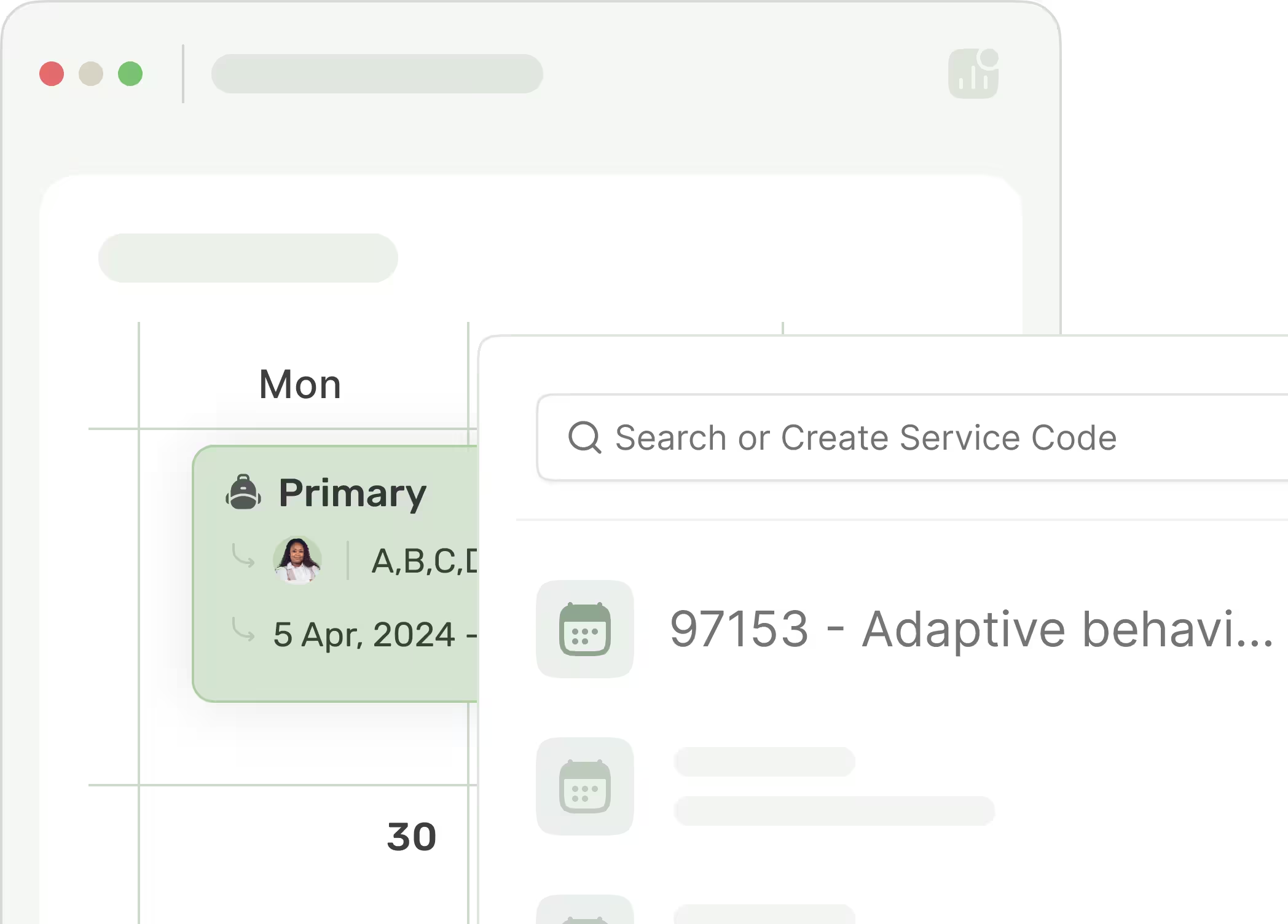
Service codes & modifiers
Service codes live inside the event, keeping scheduling, documentation, and billing aligned end-to-end.
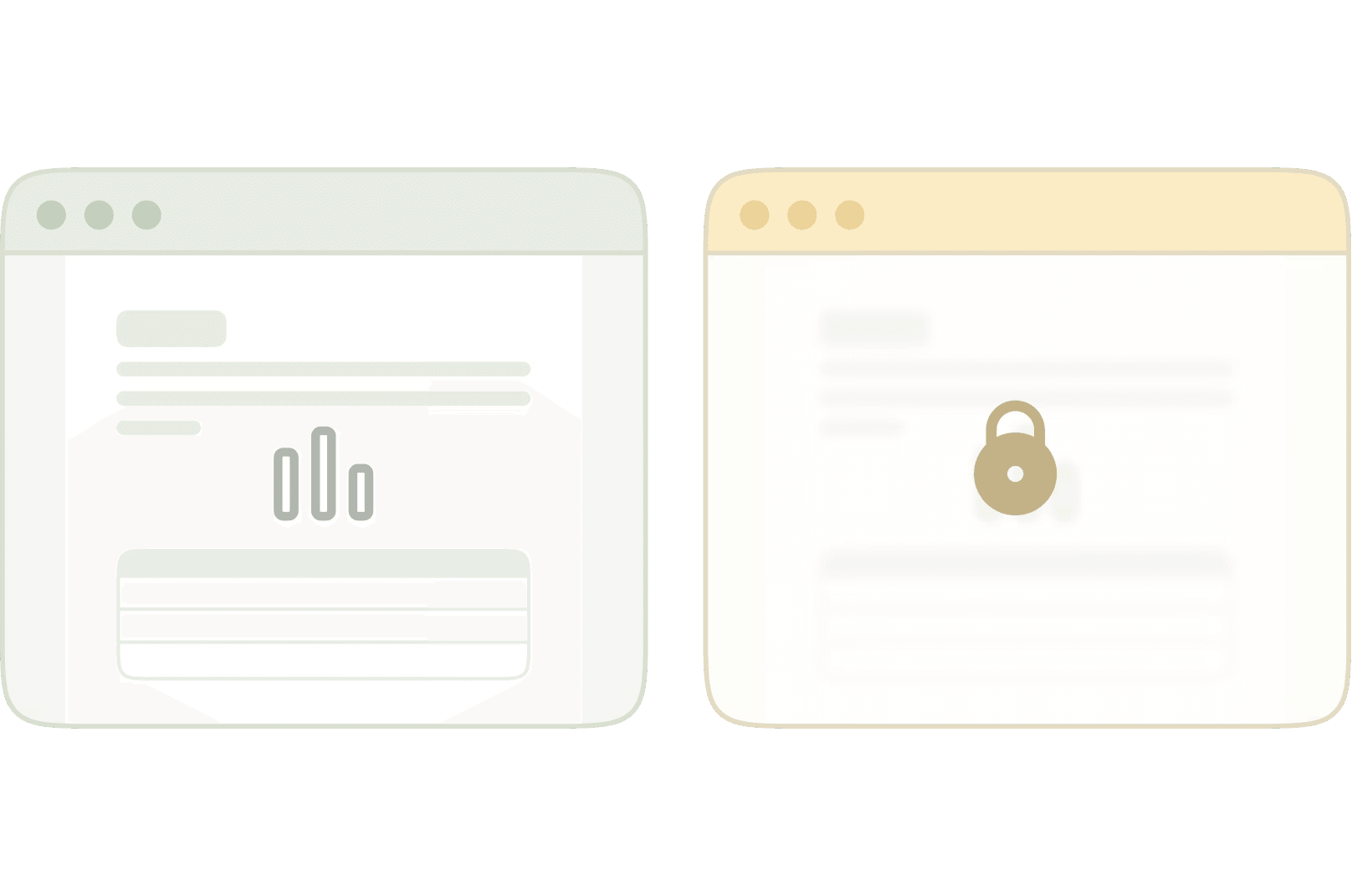
Roles and permissions, exactly as your practice works
BCBAs, RBTs and admin staff each get access that matches their role. Build your own roles when the built in ones aren't enough.
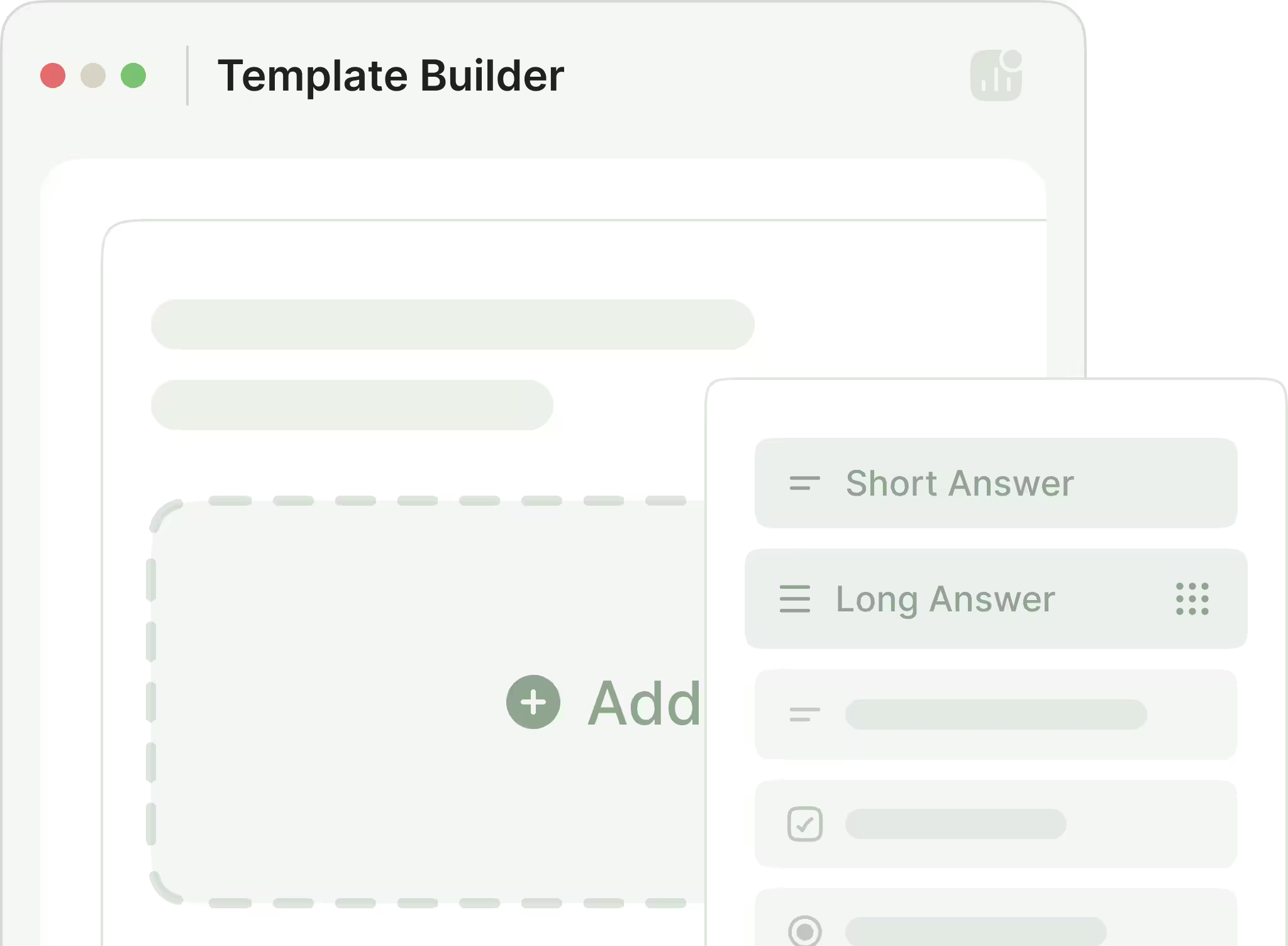
Template builder & pre-built library
Use our curated templates for common payers and school districts, or build your own with reusable blocks.
ABA clinic features that earn their place in the toolbar.
Each one replaces a spreadsheet, a binder, or an email thread.
Collaboration
Work alongside other clinicians and assistants. Securely share and co-author data.
Custom goals
Combine multiple data types into a single goal with its own tracking cadence.
20+ graphs
Automatic graphs for every data type — trend, celeration, phase change, and more.
Pre-built templates
A library of vetted note templates that work for your payer — editable in place.
Maintenance scheduling
Mastered targets come back for maintenance probes on the schedule you set, daily through yearly.
Progress reports
Pull mastery, trends and outcomes across programs into a single report for reauthorization.
Notes from session data
Session notes are built from the data already collected. Nothing gets retyped after the session ends.
Program library
Save programs your team runs often and reuse them across learners, so documentation stays consistent as the practice grows.
Roles and permissions
BCBAs, RBTs and admin staff each see exactly what they should. Build your own roles when the built-in ones are not enough.
DashTrial, right in your pocket.
Run sessions, log behavior data, and check your schedule from anywhere — get the DashTrial app for iOS and Android.


Loved by BCBAs, RBTs, and special education professionals.
ABA teams trust us for data collection. Here's what they have to say.
The difference was immediate — less confusion during sessions, cleaner notes, and faster supervision decisions.
Our RBTs learned the platform in one afternoon. Data collection became smoother and our sessions feel more focused.
The platform just makes sense to my team. We didn't need long training — everyone understood it right away.
Where can I learn how to use DashTrial?
Can I share data with my paraprofessionals and assistants?
Can you track data for multiple students simultaneously?
Is DashTrial HIPAA compliant? Will you sign a BAA?
How does pricing work?
See DashTrial running a real session.
Book a 30-minute demo tailored to your caseload. We'll walk through data types, reporting, and how to migrate from your current stack.